
With the release of Business Central Wave 1 2020 new feature was introduced called ‘Interface’. It is basically syntactical contract that can be implemented by a non-abstract method. This allows for writing code that reduces the dependency on implementation details, makes it easier to reuse code.
Today we will see how to write an interface and implement in Business central.
For defining interface we no need to have object id.
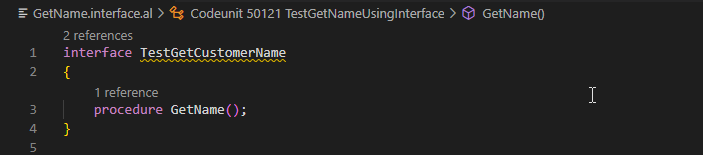
If you can see in above interface we just define method but not programmed any business logic.
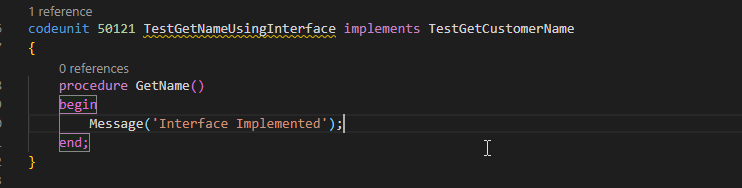
Now Lets see how to implement interface.
Added new code unit which implements the defined interface.
For checking the result of interface created following page with one function.
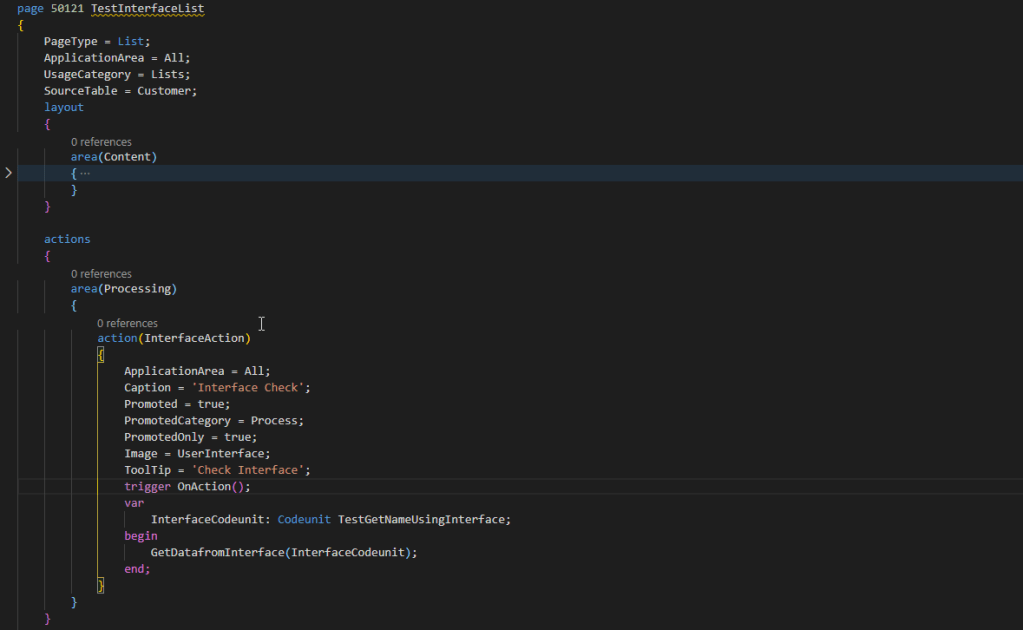

Above function to initialize the interface.
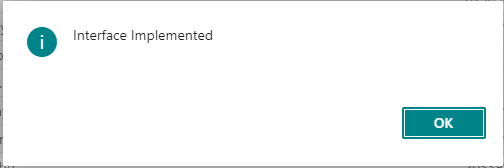
Lets check the result of interface.
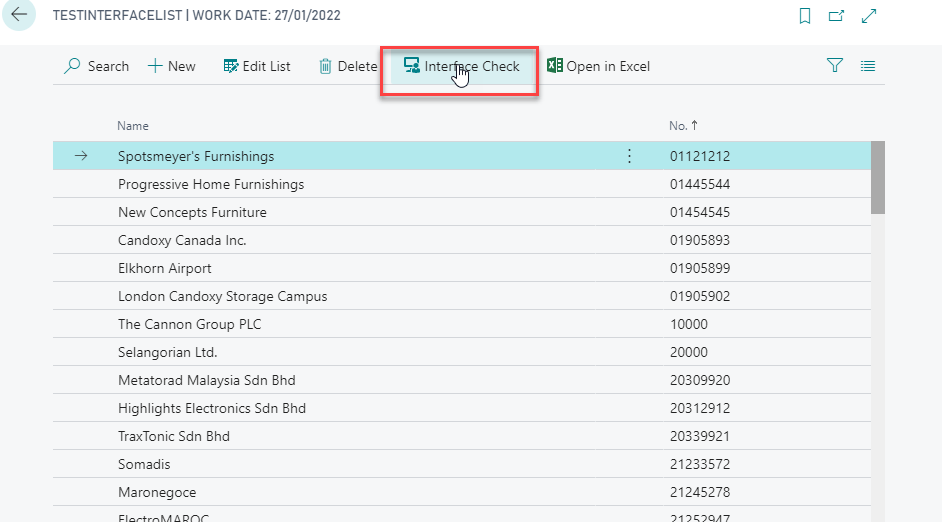
Hope this will help you to understand interface and implementation.
To understand more on differentiate between events and interface read Interface Vs Events..
Stay tuned for more…

 Business Central | AL Development | SaaS Upgrade | API Integration
Leave a reply to How to Implement Interface in Business Central – Dynamics 365 Business Central Community Cancel reply