Approval Workflows for Item Journals in Microsoft Dynamics 365 Business Central

With the latest updates in Microsoft Dynamics 365 Business Central, Item Journals now support approval workflows, bringing the same level of control that previously existed only for General Journal batches.

This feature introduces stronger governance and internal control for inventory transactions, ensuring that critical stock movements are reviewed before being posted.


Why This Feature Matters

Inventory transactions such as adjustments, consumption, or production output directly impact stock valuation and financial reporting.

Without an approval process, users could accidentally or intentionally post incorrect entries.

The new approval workflow capability for Item Journals helps organizations:

  • Enforce inventory control policies
  • Prevent unauthorized postings
  • Improve audit compliance
  • Reduce operational errors

Journals That Support Approval Workflows

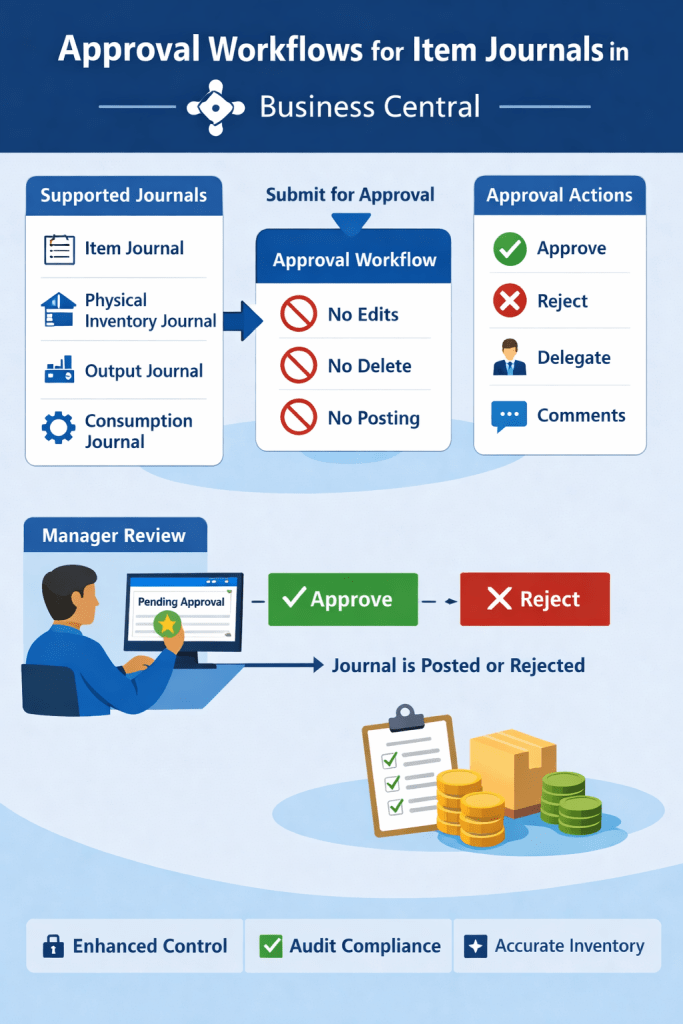
Approval workflows can now be applied to the following journals:

Article content
Article content

How the Approval Process Works

When a user submits a journal batch for approval, the system creates an approval entry.

During the approval process:

  • The journal cannot be edited
  • The journal cannot be deleted
  • The journal cannot be posted

These restrictions remain until the approval request is approved or canceled.

This prevents any changes that could bypass the approval process.

Article content

Example Scenario

Consider a manufacturing company using the Consumption Journal to record raw material usage.

Without approval:

A user could mistakenly consume 100 units instead of 10, impacting inventory valuation.

With approval workflows:

  1. The journal batch is submitted for approval
  2. A manager reviews the entries
  3. The manager approves or rejects the request

This ensures inventory accuracy and financial integrity.

Key Benefits

The introduction of approval workflows for Item Journals provides several advantages:

✔ Stronger internal control over inventory transactions

✔ Reduced risk of incorrect stock postings

✔ Better compliance with audit and governance requirements

✔ Consistent approval processes across financial and inventory journals

The ability to apply approval workflows to Item Journals in Microsoft Dynamics 365 Business Central is a valuable enhancement for organizations managing inventory and manufacturing operations.

By ensuring that sensitive inventory transactions are reviewed before posting, businesses can maintain accurate stock records and stronger operational control.
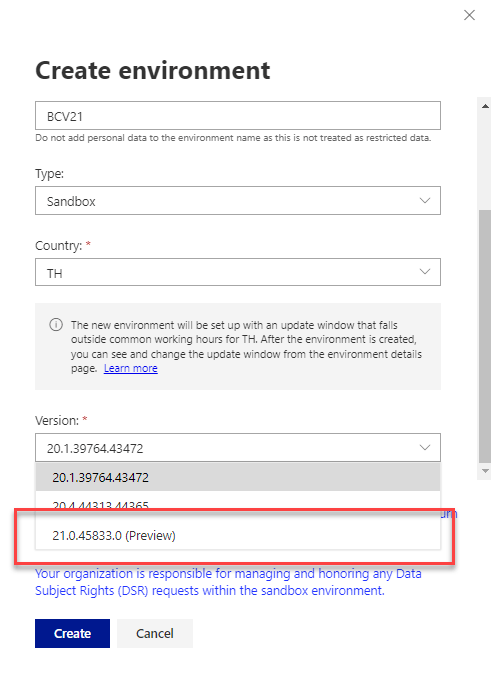

Preview environment for Dynamics 365 Business Central 2022 release wave 2 (BC21)

Public preview for Business central wave 2 (BC21) is available now

You can create preview version from SAAS version.

You will get more information about major updates from following

https://docs.microsoft.com/en-us/dynamics365/business-central/dev-itpro/administration/update-rollout-timeline

Stay tuned for more updates and lets start explore new features from new version.

Cheers…

Preview Environment for Business Central 2022 Wave 1 (BC20)

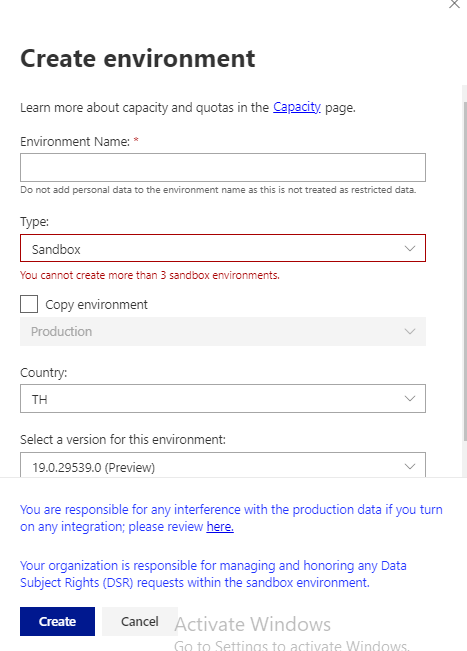
So with new year major version of business central is about to release and in context of that Microsoft released preview version of business central 2022 Wave 1 (BC 20). This preview version only possible to create for Sandbox and non production environment.

How to get this preview environment to get the hands on the new release

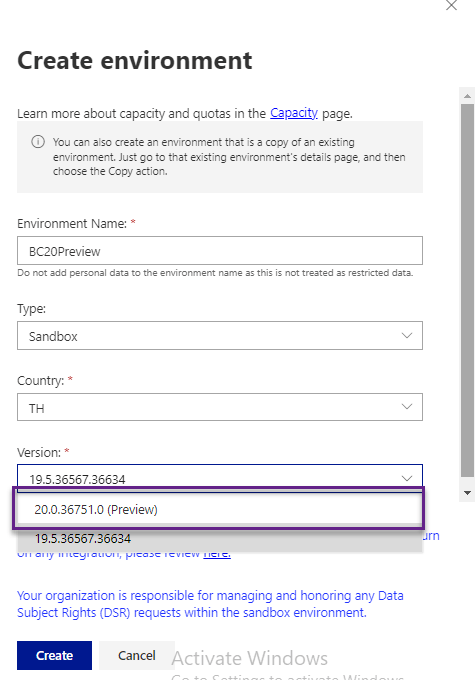
On the cloud version of business central one can create Sandbox as below for preview version

This preview version available on docker also.

For Docket Artifacts user following PowerShell command.

Get-BcArtifactUrl -storageAccount BcPublicPreview -country <country> -type <type>

To understand more about the features of BC20 you can visit here

Stay tuned for more on this version

How to Extend Preview Posting in business central

Do you know one of the great feature provided by Navision called as Preview posting.

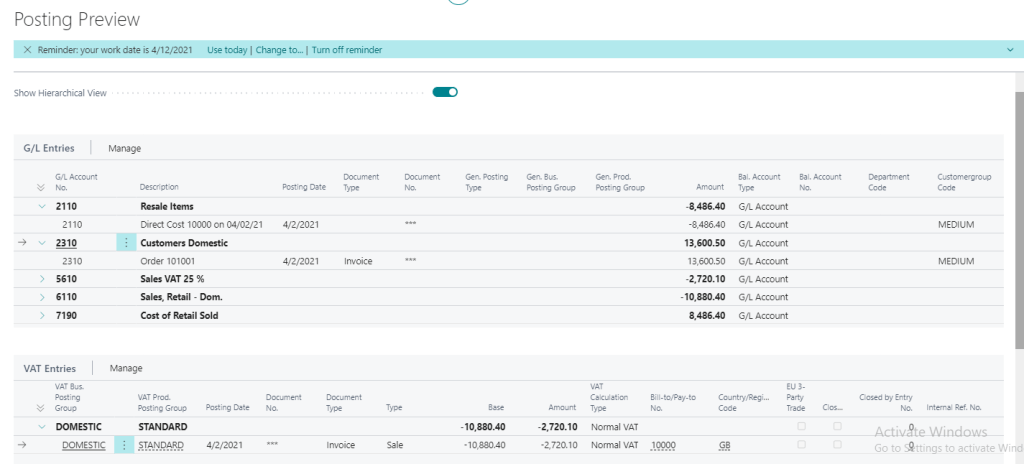
When posting journals or documents with a large number of entries, accountants want to make sure that the posting will be correct beforehand. Previewing the posting helps prevent the need for corrections, making accountants more productive.

In upcoming version of Business Central Wave 2 2021 preview posting is extended to show more details and it is also setup based.

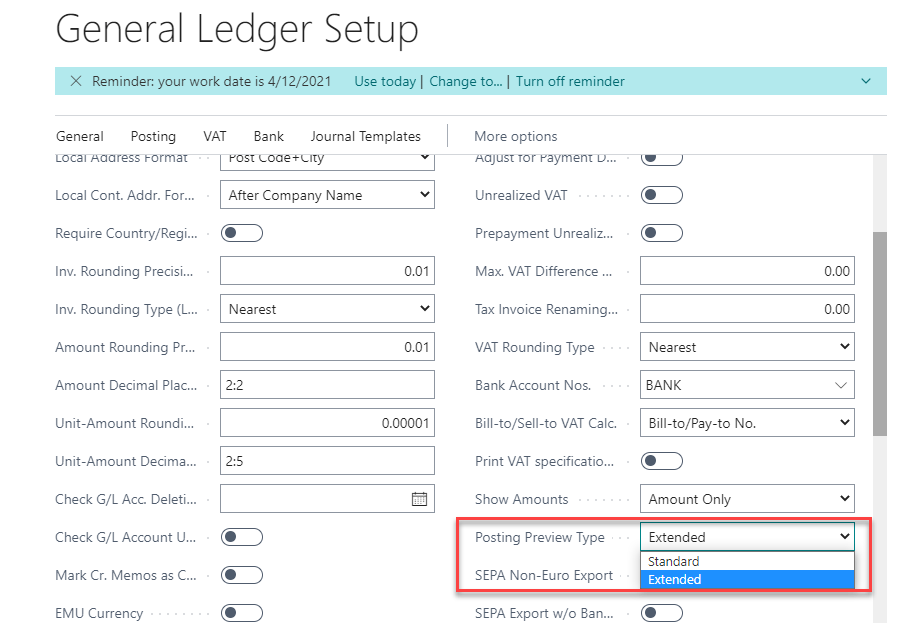
To setup the preview posting navigate to General Ledger Setup

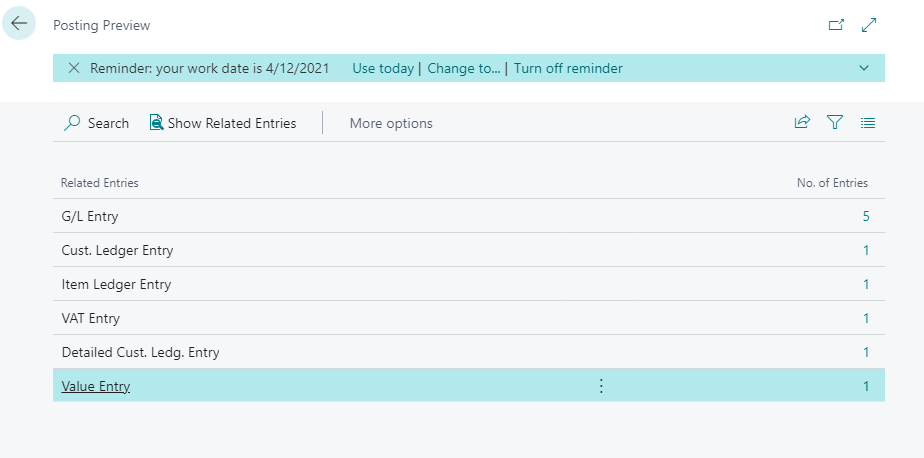
If Posting preview type is selected as standard then it gives an overview of entries group by type.

Posting Preview type :- Standard

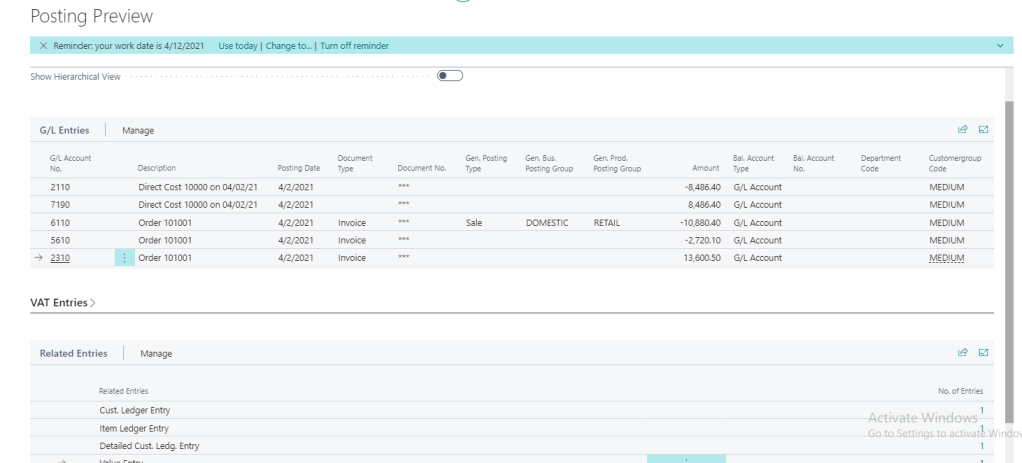
Posting preview type :- Extended

In the above screenshot one more option provided to see the Hierarchical View

After selecting the option Show Hierarchical View

Hopefully this feature will help accountant

Stay tuned for more.

Business Central Wave 2 2021 Preview available

The preview of Business Central 2021 Wave 2 (release 19) was released

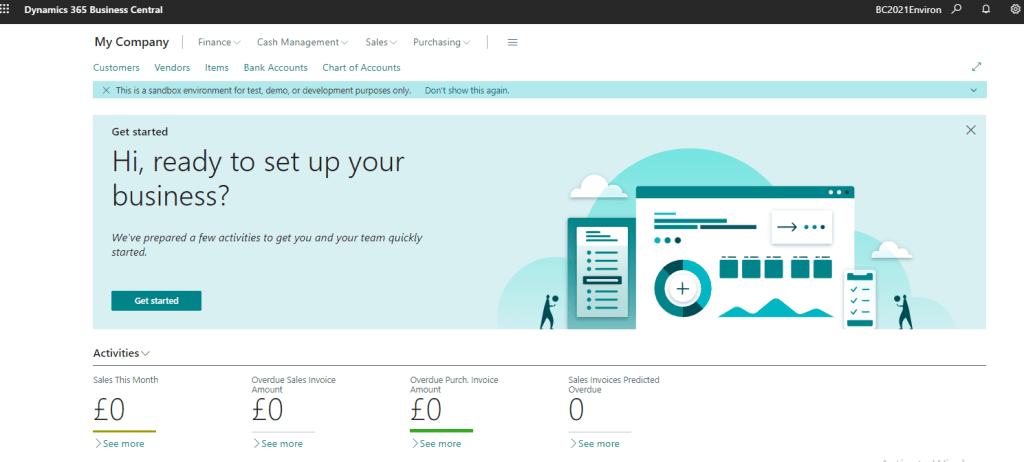
It is only possible to create Sandbox preview and non-production environments; the preview environments are for demonstration purposes only and to have their functionality tested, they are removed at most thirty days after the official release of the product.

Now lets get ready to explore new features with Wave 2 2021

Stay tuned for more.